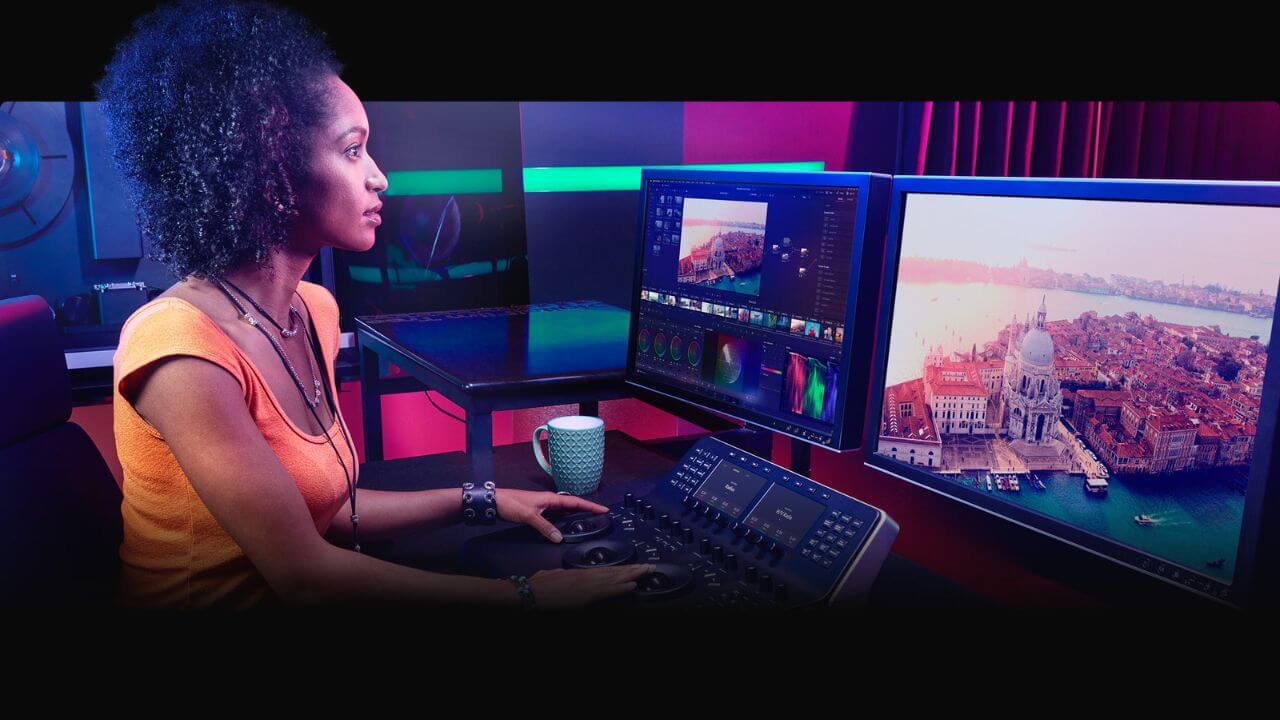
DaVinci Resolve is a potent tool for editing conference and event videos. Here’s a detailed look at what DaVinci Resolve offers:
- Comprehensive Post-Production in One Tool: DaVinci Resolve uniquely combines editing, color correction, visual effects, motion graphics, and audio post-production in a single software tool. This integration allows you to work with original-quality images and streamlines the editing process, making it faster and of higher quality.
- Latest Features for Enhanced Editing: The latest update, DaVinci Resolve 18.5, includes over 150 new features. These include AI tools, additions to the cut page editing toolset, new Resolve FX, enhanced Fusion tools for visual effects, and powerful Fairlight audio mix automation. Such features enable faster and more creative editing, perfect for handling event videos efficiently.
- Collaboration Capabilities: DaVinci Resolve allows for multi-user collaboration, a crucial feature for event video production where teams of editors, colorists, VFX artists, and sound engineers need to work together. With features like real-time local and remote collaboration and Blackmagic Cloud support, teams can work simultaneously on the same project from different locations.
- Task-Specific Workspaces: The software is divided into “pages” dedicated to specific tasks – editing, visual effects, color correction, audio, media organization, and output. This design enables easy switching between tasks, streamlining the workflow for event video production.
- Advanced Editing and Color Correction: DaVinci Resolve’s edit page is designed for complex projects and offers advanced non-linear editing capabilities. The color page is Hollywood’s most advanced color corrector, enabling high-end color grading and finishing.
- Fusion for Visual Effects and Motion Graphics: The Fusion page within DaVinci Resolve allows the creation of cinematic visual effects and broadcast-quality motion graphics. Its node-based workflow is ideal for creating sophisticated effects and animations that enhance the visual appeal of event videos.
- Professional Audio Post-Production: The Fairlight page offers a comprehensive set of tools for audio post-production. It functions like a digital audio workstation, enabling you to work with many tracks and apply real-time effects, EQ, and dynamic processing.
- Efficient Media Management and Delivery: Finally, the media and delivery pages assist in managing and delivering final projects. They offer features for importing, organizing, and managing media, streaming video outputs and exporting projects in various formats.
DaVinci Resolve brings a comprehensive set of tools that make it an ideal choice for editing and producing conference and event videos. Its combination of advanced editing, collaborative features, task-specific workspaces, and top-notch color correction and audio post-production capabilities make it a top choice for professionals in event video production.