
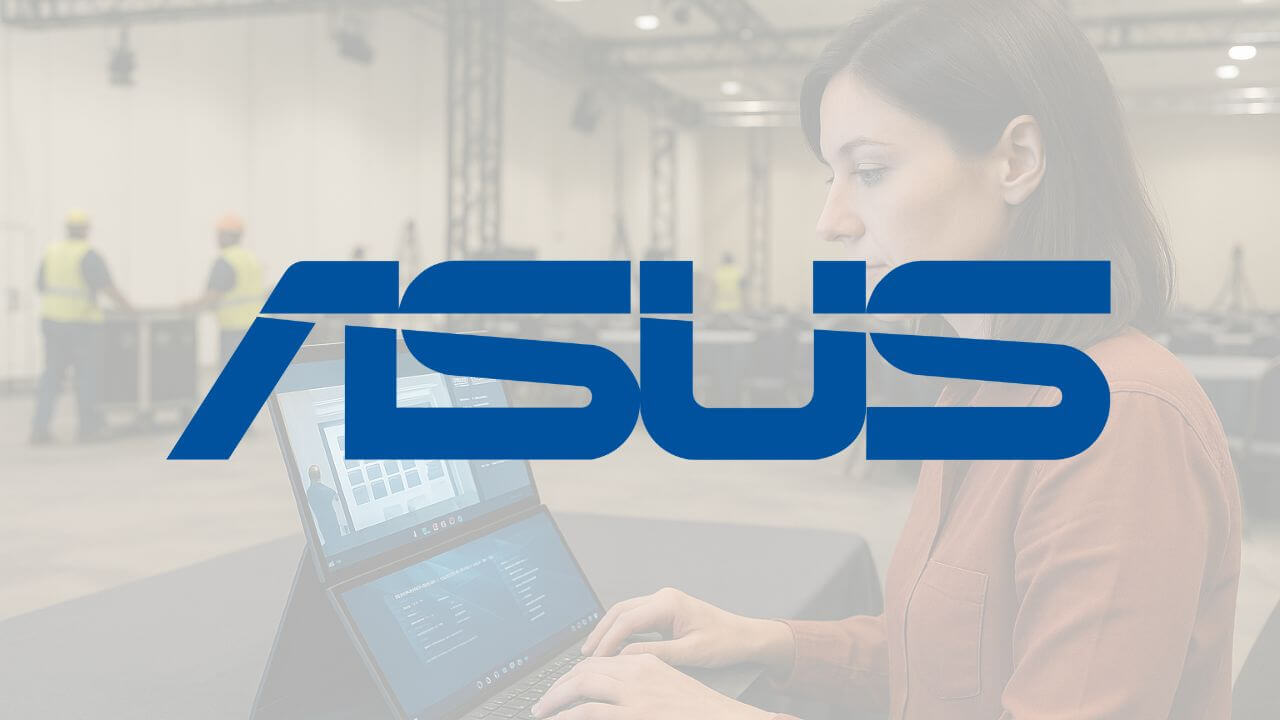
Every once in a while, a piece of tech sneaks up backstage at an event and makes us stop mid-show and say, “OK… that’s genius.” That’s exactly what happened in Washington, D.C. this summer. One of the AV team was quietly working away on what looked like a regular laptop, until we realized it had two fully functional screens stacked one above the other (I thought the dude had a second screen on a stand). That was our introduction to the Asus Zenbook Duo, and we’ve been obsessed ever since.
For meeting and event planners, the dream has always been a true dual-screen setup that’s easy to travel with. But until now, that’s meant lugging around a second monitor, packing half a dozen cables, and hoping the hotel’s Wi-Fi can handle whatever docking station you brought along. The Zenbook Duo solves all of that. It’s a full-power laptop with two beautiful OLED touchscreens built right in — no extra gear required.
Built for Planners on the Move
If you’re constantly bouncing between hotels, venues, and airports, you know that every ounce in your backpack matters. The Zenbook Duo gives you the real estate of a dual-screen workstation in a single, sleek device that slips easily into your bag.
- Two Screens, Zero Cables: Use one screen for your run-of-show and the other for email, chat, or speaker notes — no external monitors needed.
- Smart Collaboration: Review session changes in your project management platform on one display while updating your budget in Excel on the other.
- Travel-Friendly Setup: Flip it open backstage, at the reg desk, or in a hotel lobby and get right to work. No setup time, no extra gear.
Real Power Under the Hood
We quickly learned that the Zenbook Duo isn’t just about cool hardware — it’s got the muscle to back it up. Our team opted for the 32GB RAM configuration (highly recommended if you’re a heavy multitasker) and added the Asus pen for on-screen markups and quick notes during site visits or walkthroughs.
It’s worth noting that those upgrades are optional — the base model ships with less memory and no pen. But if you’re investing in a laptop you’ll rely on day in and day out for event planning, we think the extra horsepower and functionality are well worth it.
Amazing Battery & All-Week Reliability
Event days are long. Really long. And the last thing you want is to be tethered to a power outlet while you’re trying to finalize signage, tweak the conference app, and answer speaker questions. In our real-world use, the Zenbook Duo easily handled long periods of work without breaking a sweat. We’re talking multiple browser tabs, Canva, and Zoom calls — all running smoothly across two screens.
What It’s Not Made For (And That’s OK)
One quick caveat: this isn’t the machine you want running audio cues, driving LED walls, or handling heavy production tasks. It’s not built to replace your show laptop. But for planners, registration desks, speaker prep rooms, sponsor lounges, or on-site command centers, it’s an absolute game-changer.
Why It’s Staying in Our Bag
After a few months with the Zenbook Duo, it’s become one of our favorite behind-the-scenes tools. It’s the closest we’ve come to having a true desktop-level workspace while traveling — and that’s saying something. Once you’ve worked with two screens on the road, it’s hard to go back. So whether you’re mapping out a floor plan, managing speaker changes in real time, or juggling three Slack conversations during show week, the Zenbook Duo makes it all just a little more seamless. And in this business, every ounce of efficiency counts. You can check it out here.
